
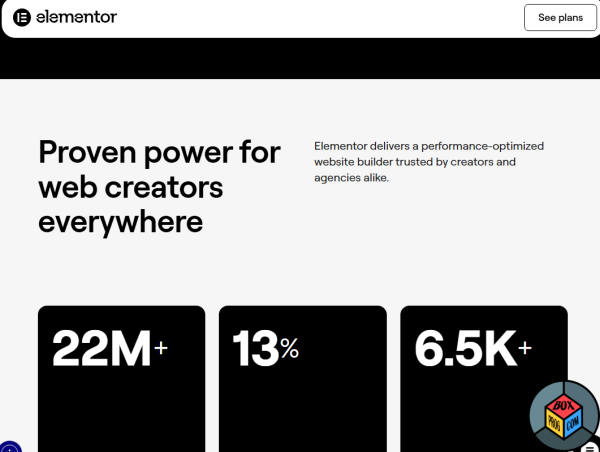
As WordPress powers a massive portion of the modern web, visual page builders have become essential tools for developers and creators alike. Elementor remains the dominant industry leader, driving over 13% of all global websites. With the rollout of the latest CSS-first editor updates and its native AI building frameworks, Elementor promises absolute design freedom.
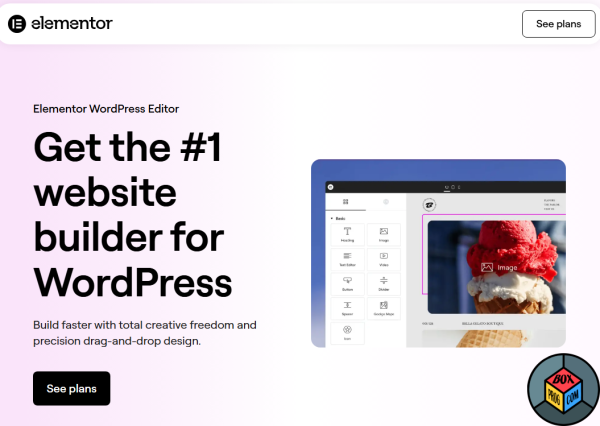
But with recent shifts toward block editing in WordPress, many users are questioning: Is Elementor still worth downloading? Is it fast enough, and is it safe for your server? In this comprehensive review, we look under the hood of the latest stable build, analyze actual performance, and review community feedback.
Key Features & Capabilities
-
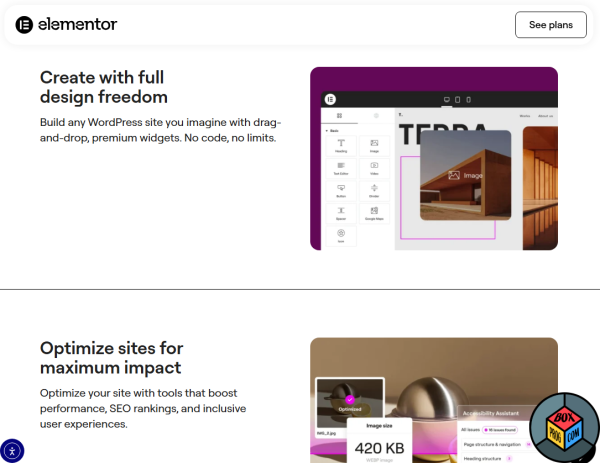
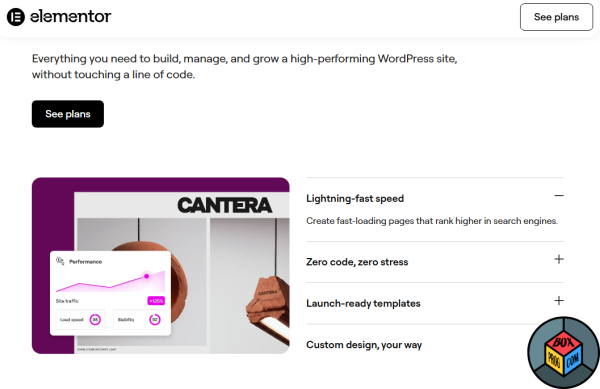
- Atomic Editor Architecture: A pure CSS foundation that significantly reduces total page weight and improves loading speeds.
- Context-Aware AI Integration: Built-in AI assistants that allow you to generate custom native WordPress widgets and code snippets directly from text prompts.
- Advanced Grid Layouts: Professional row and column positioning systems that replace heavy nested sections, resulting in cleaner code.
- Theme Builder Pro: Complete, granular control over headers, footers, single posts, and complex WooCommerce e-commerce architectures.
Is Elementor Safe and Secure?
Yes, Elementor is 100% legit and safe to install. The core plugin is hosted directly in the official WordPress.org repository, meaning it undergoes strict, continuous security audits by the WordPress core team.
However, because Elementor heavily influences your site’s database and server resources, keep these safety principles in mind:
-
- Avoid Nulled Plugins: Never download “Elementor Pro Crack” or GPL-nulled files from unverified third-party websites. These modified zip files frequently contain hidden PHP backdoors, malware, and database injection tools that can ruin your site’s security and destroy your Google SEO ranking.
- Server Verification: At Boxprog, we scan every official installation file through VirusTotal, guaranteeing 0/70 threats before providing direct official links.
Reddit Consensus: What Real Users Say
We analyzed recent user discussions on tech subreddits like r/wordpress and r/elementor to filter out corporate marketing hype and find the real human experience.
The Pros:
-
- Unmatched Flexibility: Reddit users praise the modern Grid layout system, making it incredibly easy to create complex, responsive designs without writing custom CSS media queries.
- AI Workflow: The integration of AI design tools is heavily celebrated for generating flawless, production-ready copy and layouts right inside the backend dashboard.
The Cons:
-
- Resource Heavy: System administrators on Reddit frequently remind users that if your hosting environment is cheap or underpowered, the live rendering editor can lag or throw memory errors.
- Pro Lockouts: Some advanced dynamic tags, form builders, and deep WooCommerce templates are strictly gated behind the premium Pro subscription.
System Requirements for Modern Hosting
Live visual editing requires proper server-side RAM. To prevent editor crashes or the famous “white screen of death,” your hosting environment must meet these minimum technical requirements:
-
- WordPress Version: 6.5 or higher
- PHP Version: PHP 8.2 or higher (older versions like PHP 7.4 are officially end-of-life and strongly discouraged)
- WP Memory Limit: Minimum 256 MB (512 MB or 768 MB is highly recommended for smooth performance on large sites)
- Database: MySQL 8.0+ or MariaDB 10.11+
Top 3 Free Alternatives
-
- WordPress Block Editor (Gutenberg): Best for core lightweight speed, native block architecture, and absolute peak performance.
- Bricks Builder: Best for advanced web developers looking for ultra-clean HTML code generation and modern layout tools.
- Divi Builder: Best for users looking for a visual alternative with massive layout packs and alternative styling mechanics.
Frequently Asked Questions (FAQ)
Is the basic version of Elementor completely free?
Yes, the base Elementor plugin is 100% free forever and includes over 40 essential widgets to build beautiful responsive pages.
Yes, the base Elementor plugin is 100% free forever and includes over 40 essential widgets to build beautiful responsive pages.
Will Elementor slow down my website?
Not if configured correctly. While older legacy builds had a reputation for code bloat, modern versions utilize Flexbox containers and pure CSS outputs, significantly improving Largest Contentful Paint (LCP) speeds.
Not if configured correctly. While older legacy builds had a reputation for code bloat, modern versions utilize Flexbox containers and pure CSS outputs, significantly improving Largest Contentful Paint (LCP) speeds.
Can I use Elementor on a mobile phone?
No, editing layouts is strictly limited to desktop web browsers due to the complex visual UI of the drag-and-drop panel.
No, editing layouts is strictly limited to desktop web browsers due to the complex visual UI of the drag-and-drop panel.
Download Elementor Safely from Official Sources
To secure your site from security leaks and server vulnerabilities, always pull your installation assets through certified distribution channels:
- Download Core Plugin: You can get the official Elementor Free version via the official WordPress.org plugin directory.
- Upgrade to Pro Edition: For advanced features, you can get the verified Elementor Pro version directly from the official developer website.
Recommended Software for Windows:

Driver Booster free download for windows latest version

Enlisted download free pc windows

CCleaner download free for Windows latest version

Capcut download pro version free

Eternal Fury Resurrected download free pc full version

Microsoft Teams download free for windows latest version

McAfee Total Protection download free trial

FileZilla download free latest version

Adobe Photoshop download free for windows full version
Download Elementor latest version

 Loading...