
In today’s digital landscape, working with PDF files is essential for businesses, students, and professionals. PDFfiller is an online PDF editor that provides a suite of tools for editing, signing, and managing documents. This detailed review examines its features, pricing, strengths, and weaknesses to help you determine if PDFfiller meets your needs.
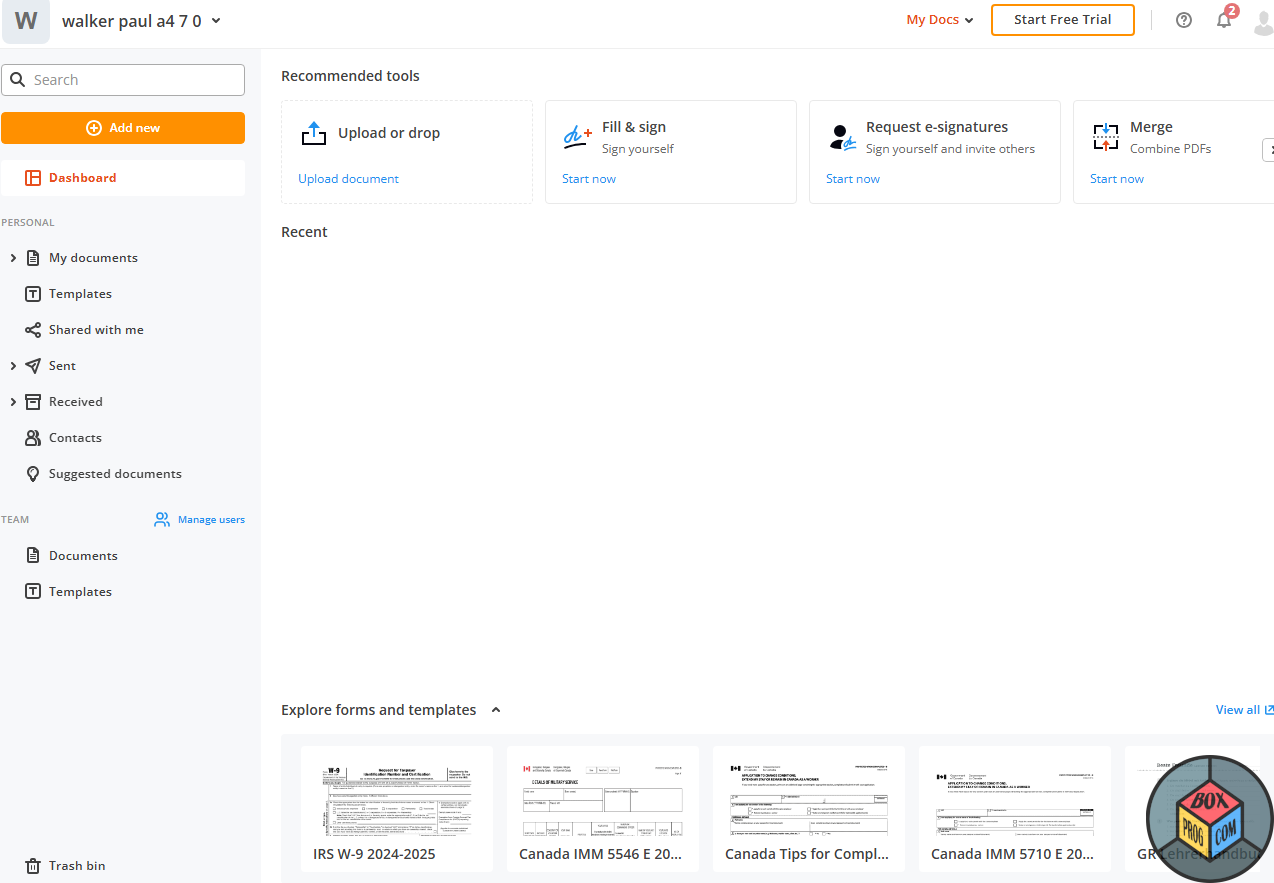
PDFfiller is a cloud-based PDF editor that allows users to modify, fill out, sign, and share PDF documents online. Unlike many other PDF tools, PDFfiller doesn’t require software installation, making it a convenient choice for both individuals and businesses. It supports direct text editing, form filling, annotations, and even file conversion.
Key Features
-
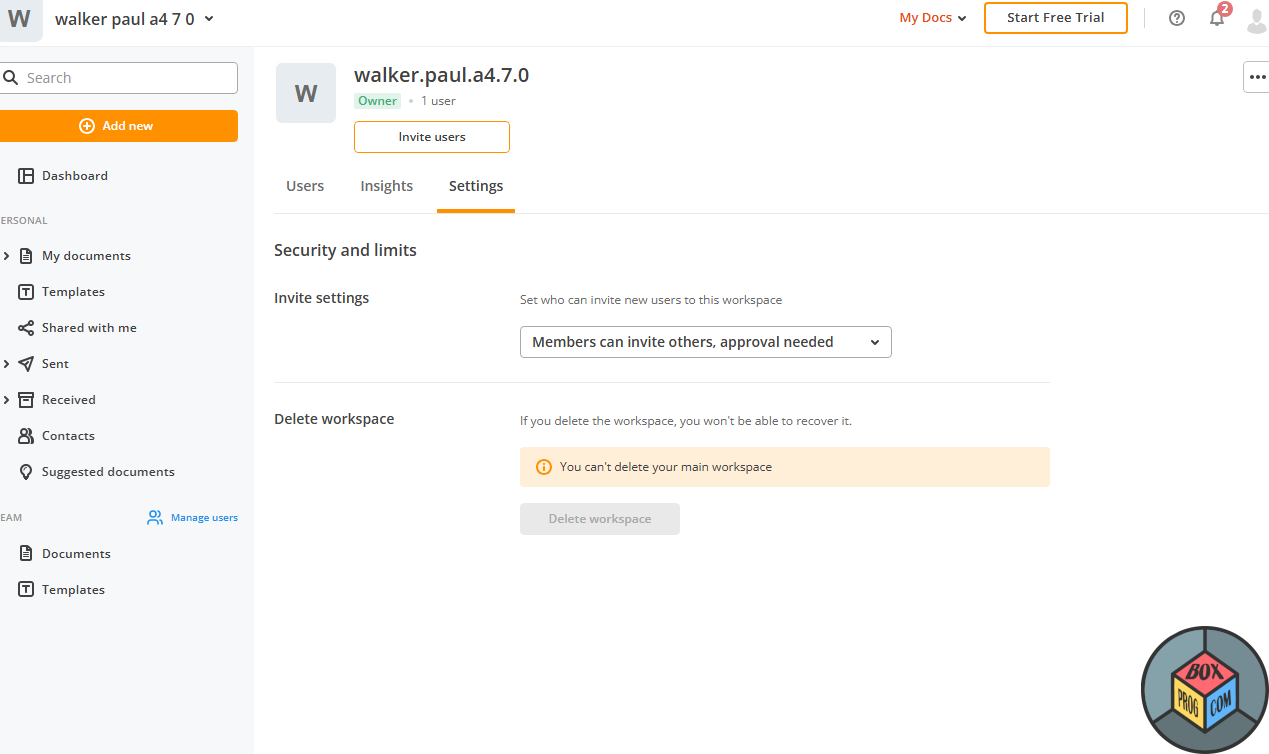
PDF Text Editing – Modify text directly within a PDF, change fonts, colors, and alignment.
-
Form Filling – Complete forms, add checkmarks, and insert text fields seamlessly.
-
Electronic Signature – Draw, upload, or type your signature for legally binding documents.
-
File Conversion – Convert PDFs to Word, Excel, PowerPoint, JPG, PNG, and vice versa.
-
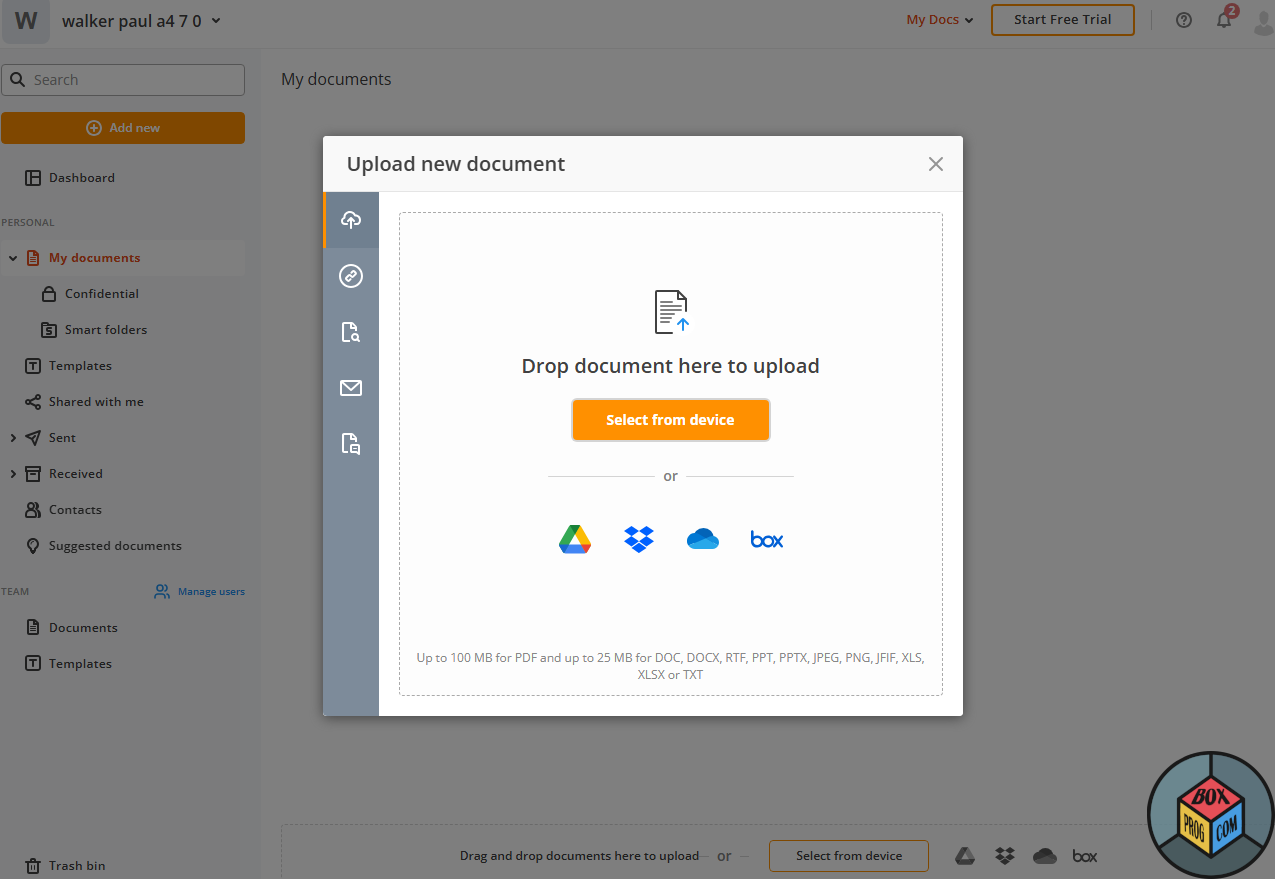
Cloud Integration – Sync with Google Drive, Dropbox, OneDrive, and Box.
-
Document Security – Apply passwords, restrict access, and encrypt sensitive files.
-
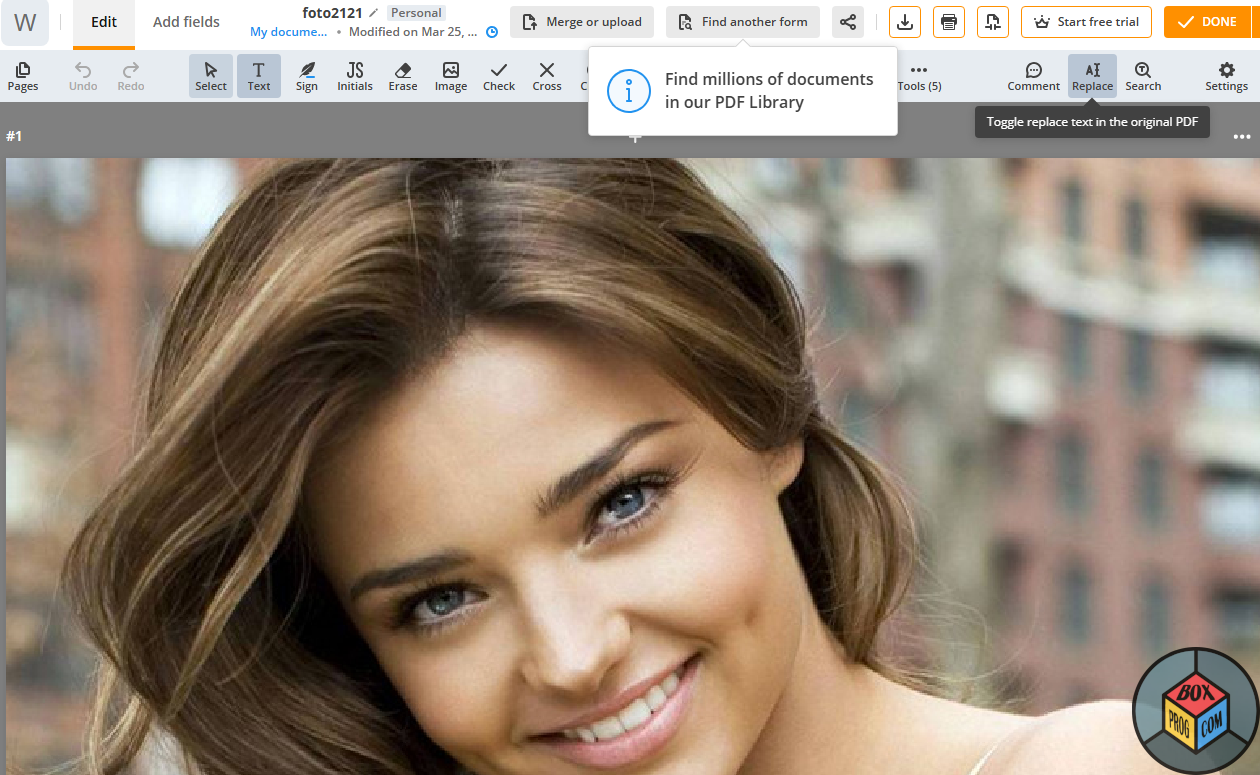
Collaboration Tools – Share documents, comment, and edit collaboratively.
Pricing and Subscription Plans
PDFfiller operates on a subscription basis. While a free trial is available, full functionality requires a paid plan.
Pricing (as of 2024):
-
Basic Plan – From $8/month (limited editing and form filling).
-
Plus Plan – From $12/month (additional tools like electronic signatures and cloud storage).
-
Premium Plan – From $15/month (full access to all features, including integrations and security tools).
Annual subscriptions offer discounts compared to monthly billing.
Pros
-
User-friendly interface – Easy to navigate even for beginners.
-
Web-based platform – No installation required.
-
Comprehensive feature set – Covers everything from basic editing to advanced collaboration.
-
Multiple format support – Convert PDFs to and from various file types.
-
Legally binding e-signature – Ideal for official documents.
Cons
-
Subscription-based model – Free version is limited.
-
Formatting issues with non-Latin languages – Some problems with Russian and other scripts.
-
Requires an internet connection – No offline mode available.
-
Performance issues with large files – Heavy PDFs may cause lag.
Who Should Use PDFfiller?
-
Office professionals and legal teams – Great for contracts, forms, and document collaboration.
-
Students – Useful for completing applications and editing study materials.
-
Freelancers – Ideal for signing agreements and sending invoices.
-
Businesses – Enhances workflow with automated document handling and secure sharing.
Final Verdict: Is PDFfiller Worth It?
Yes, if:
-
You need an advanced online PDF editor.
-
You require electronic signatures and collaboration tools.
-
You don’t mind paying for a premium service.
No, if:
-
You’re looking for a free solution.
-
You work with PDFs occasionally and don’t want to subscribe.
-
You need an offline PDF editor.
Overall, PDFfiller is one of the best online PDF editors available, offering a wide range of tools in a convenient web-based platform. However, its subscription model may not be suitable for casual users.
Recommended Software for Windows:

Adobe Acrobat Reader download free for Windows

aTube Catcher download free full version

FileZilla download free latest version

Temu download for pc windows 10 new version

Adobe illustrator download free for Windows full version

Best Free Video Editors for Windows

TikTok download free pc windows

Capture One Pro free download for windows full version


 Loading...